Klaviyo
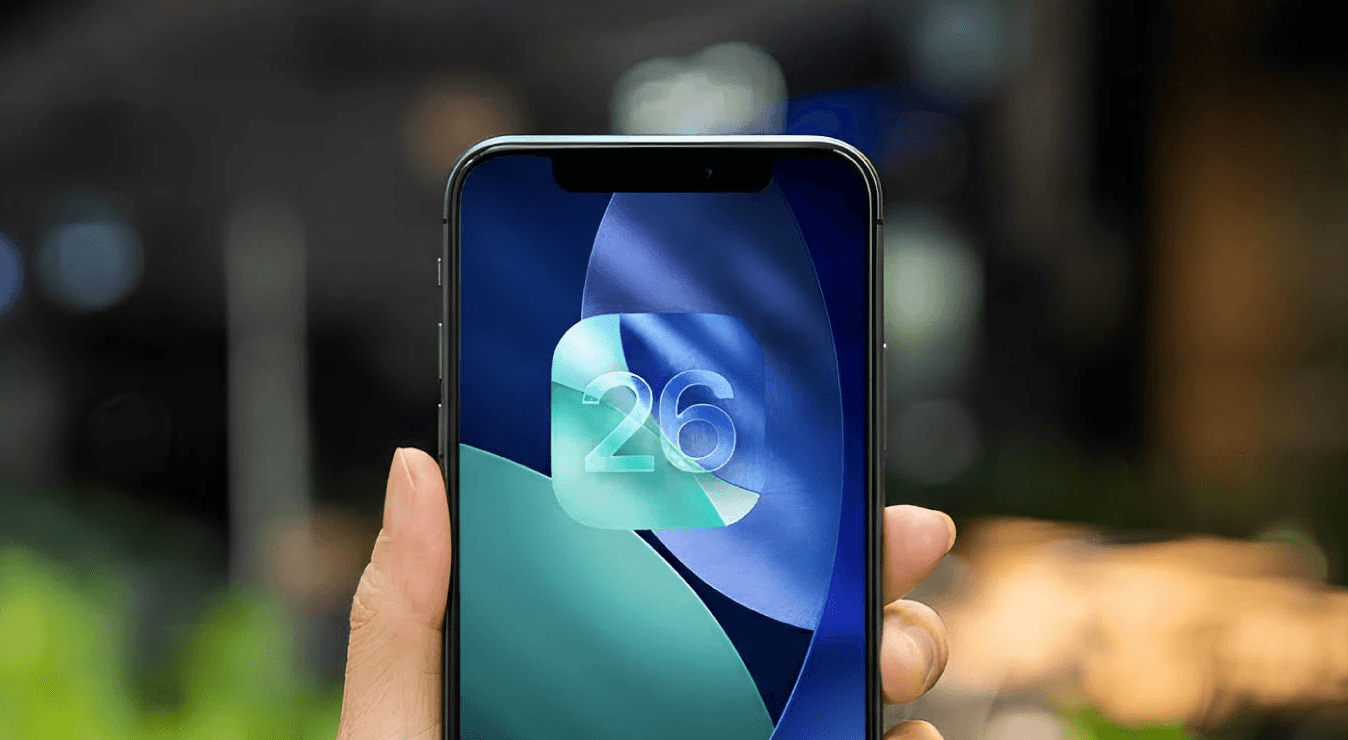
iOS 26 did not “kill SMS.” It changed where your texts land and how often they get seen.
Apple’s Messages app can filter texts from unknown senders into an “Unknown Senders” view, and it can also route suspected spam into a Spam folder. Until the user marks you as known or adds you to contacts, future messages can keep getting filtered. Klaviyo also calls out iOS 26 as a visibility shift that impacts SMS and RCS, not just a minor UI update.
The takeaway: SMS is still a money channel, but it is now closer to email deliverability. You do not “have SMS.” You earn inbox placement.
1) What actually changed in iOS 26 (and why your KPIs can dip)
Filtering for unknown senders
If a subscriber has “screen unknown senders” behavior enabled, messages from numbers they do not recognize can be tucked away. Apple literally gives users a “Mark as Known” action and prompts them to add senders to Contacts.
A Spam folder exists, and it is not theoretical
Apple states that when spam is detected, messages are moved to a Spam folder and do not show in the main conversation list.
The real impact is visibility, not sending
Your SMS may still be “delivered,” but not surfaced. That creates a brutal illusion: delivery stays stable while clicks and revenue soften.
Convert Via POV: iOS 26 makes trust signals matter more than send volume. Spam complaints and “unknown sender” behavior can quietly bury your program.
2) The new SMS visibility stack (in priority order)
Think of this like a layered system. If you skip layer one, nothing above it performs.
Layer 1: Opt-in quality and expectation setting
Poor opt-in quality creates two problems: people do not remember you, and they report you. iOS 26 rewards brands whose subscribers actually recognize them.
What to do
Use clear opt-in language: what you send, how often, and why it is worth it
Do not bait-and-switch with frequency
Segment from day one so new subscribers do not get slammed
Layer 2: “Make me a known sender” flows
This is now a core play. Apple explicitly tells users how to mark a sender as known or add them to Contacts.
Klaviyo supports adding a virtual contact card (vCard) to SMS messages in flows and recommends using it strategically rather than stuffing it everywhere.
What to do
Add a contact card message early in an SMS-only welcome flow
Use a recognizable sender name and brand identity consistently
Teach the subscriber what to do in one sentence: save contact, mark as known
Convert Via POV: This is the closest thing to “whitelisting” in iOS 26 land. It is not optional anymore.
Layer 3: Content patterns that reduce spam actions
Klaviyo’s SMS best practices push for short, clear messages because long texts feel overwhelming.
Patterns that help
Start with brand identity early: “Convert Via” or brand name in the first line
Keep copy tight and specific
Avoid spammy formatting and overuse of symbols
Do not send vague “Sale now” blasts to everyone
Layer 4: Targeting and frequency that protects reputation
Klaviyo has an SMS Deliverability Hub where you can monitor SMS deliverability health. Their broader deliverability resources emphasize deliverability as a system, not a single campaign tweak.
What to do
Segment by engagement and intent, not total list size
Use frequency caps and suppression for low-engagement cohorts
Avoid stacking multiple SMS tools or duplicate triggers
Convert Via POV: Oversending is the fastest path to “unknown sender” plus spam folder behavior.
3) Tactical: what to change inside Klaviyo (the Convert Via setup)
A) Build an SMS-only welcome series (separate from email welcome)
Klaviyo recommends an SMS-only welcome series because mixing with email signups can cause gaps where subscribers miss the SMS message.
Flow structure
Message 1: “You are in” + value promise + set expectations
Message 2: Contact card step (save to contacts, mark as known)
Message 3: First offer or best-seller recommendation, based on browse or signup intent
B) Add a contact card at the right moment
Where it belongs
Early in the lifecycle, after the subscriber has context for why you are texting
Before high-frequency periods (like Q4 ramp or major drops)
Klaviyo’s contact card guidance is designed for flow messages, with recommendations on where it makes sense.
C) Rebuild segmentation so you stop blasting
Use customer behavior as the control knob:
New subscribers: education and brand memory, not constant promos
Engaged clickers: offers and drops
Quiet cohorts: fewer sends, more value, more specificity
High-intent browsers: targeted product nudges with minimal incentive
Klaviyo highlights predictive and platform tooling in its iOS 26 guidance as part of future-proofing SMS strategy.
D) Make deliverability a dashboard, not a vibe check
Use Klaviyo’s Deliverability Hub (SMS tab) to monitor health signals.
What we watch
Trends in deliverability and response
Opt-out spikes by campaign and by segment
Performance changes after cadence increases
4) What smart brands do differently in iOS 26
Attentive frames iOS 26 as a visibility shift tied to Apple’s filtering behavior, where messages may get tucked into “Unknown Sender” instead of being front-and-center.
High-performing behaviors
They treat SMS like a relationship channel, not an ad channel
They implement contact capture early
They send fewer messages, with better targeting
They build SMS creatives that look like a human wrote them, not a coupon bot
Convert Via POV: iOS 26 rewards brands who act like they want to be recognized.
5) How Convert Via helps
This is exactly where strategy and implementation need to meet.
What we do
Audit current SMS program: flows, cadence, targeting, and opt-in quality
Build the iOS 26 visibility stack: SMS-only welcome, contact card, suppression rules
Rewrite SMS copy to reduce “spam energy”
Set up monitoring in Klaviyo deliverability tools
Align SMS with email and paid so you are not cannibalizing conversion
The goal is simple: keep your texts in the visible inbox, not the shadow realm.
SMS
Recent Post