Shopify Development

Q4 is when ecommerce stacks get “temporarily” messy and then quietly stay messy. Teams add apps to hit a deadline, drop scripts in to support promos, and ship theme edits fast. Nothing explodes, so it feels fine. Then January arrives and performance dips, attribution gets weird, personalization starts recommending nonsense, and Q1 momentum stalls.
This is the holiday tech hangover. The fix is a deliberate Shopify tech stack audit that prioritizes speed, data integrity, and a clean personalization baseline before you start layering on Q1 campaigns.
1. What breaks during Q4, and why you feel it in January
Most Q4 damage is not a single failure. It is performance decay and measurement drift.
What typically degrades during Q4
Core Web Vitals slip, especially Largest Contentful Paint and Cumulative Layout Shift. Shopify explicitly frames web performance reporting around Core Web Vitals. Shopify Help Center+1
Third party code grows, often from apps and tracking tags, and Shopify specifically calls out apps and third party libraries as common performance influences. Shopify Help Center+1
“Temporary” promo logic becomes permanent, leaving extra sections, banners, and scripts in templates.
Event tracking gets duplicated or overwritten, which can skew GA4, ad platforms, and lifecycle segmentation.
Why January exposes it
Traffic normalizes, so conversion rate becomes more sensitive to friction.
You shift from urgency-driven shopping to considered buying, where speed and clarity matter more.
Convert Via POV: Treat Q4 like a stress test. January is the postmortem where you harden the system.
2. App bloat: the silent Q1 killer
Apps are the fastest lever in Q4 and the most common reason a store stays heavier in Q1 than it needs to be. Shopify’s own guidance is blunt: evaluate installed apps and third party code and decide if the value justifies the performance cost. Shopify Help Center
Common Q4 app patterns that should be reviewed immediately
Countdown timers and urgency widgets
Popup layers stacked across multiple tools
Promo badge overlays on collection pages
Shipping deadline bars with heavy script payloads
Duplicate upsell and bundling tools running at the same time
Post-holiday decision framework
Keep: tools tied to an evergreen revenue lever (search, reviews, subscription, a single upsell engine, analytics you actually use).
Pause: holiday-only UX layers (countdowns, gift guide widgets, shipping cutoff bars) until next season.
Remove: anything redundant, anything that injects heavy code but is not clearly producing incremental revenue.
Convert Via POV: One “do everything” stack usually performs worse than a smaller stack with clean roles and tighter data flow.
3. Performance cleanup: start with LCP, because Google and shoppers do
Largest Contentful Paint measures when the largest content element in the viewport is rendered, which can be an image, text block, or video. web.dev+1 If your hero is huge, your hero is often your LCP.
Google’s Core Web Vitals guidance strongly recommends achieving “good” metrics for Search and user experience. Google for Developers And the common “good” LCP threshold is about 2.5 seconds. web.dev
What to look at first
Shopify Web Performance Reports to identify which templates and URLs are slipping. Shopify Help Center+1
PageSpeed Insights for a deeper breakdown. PageSpeed evaluates Core Web Vitals (LCP, INP, CLS) using real user data and the 75th percentile concept for pass or fail at page or origin level. Google for Developers
Important reality check: video in the hero
Video heroes can become the LCP element. If the video is large, slow to fetch, or blocked by scripts, your LCP worsens. web.dev+1
In Q4, teams often add overlays, badges, and countdown scripts on top of that hero, which increases render complexity.
Practical move for Q1: swap to a highly optimized static hero for performance-critical landing pages, then test reintroducing video where it does not harm conversion.
Convert Via POV: Q1 performance wins are “cheap” compared to Q4. Every improvement compounds across the year.
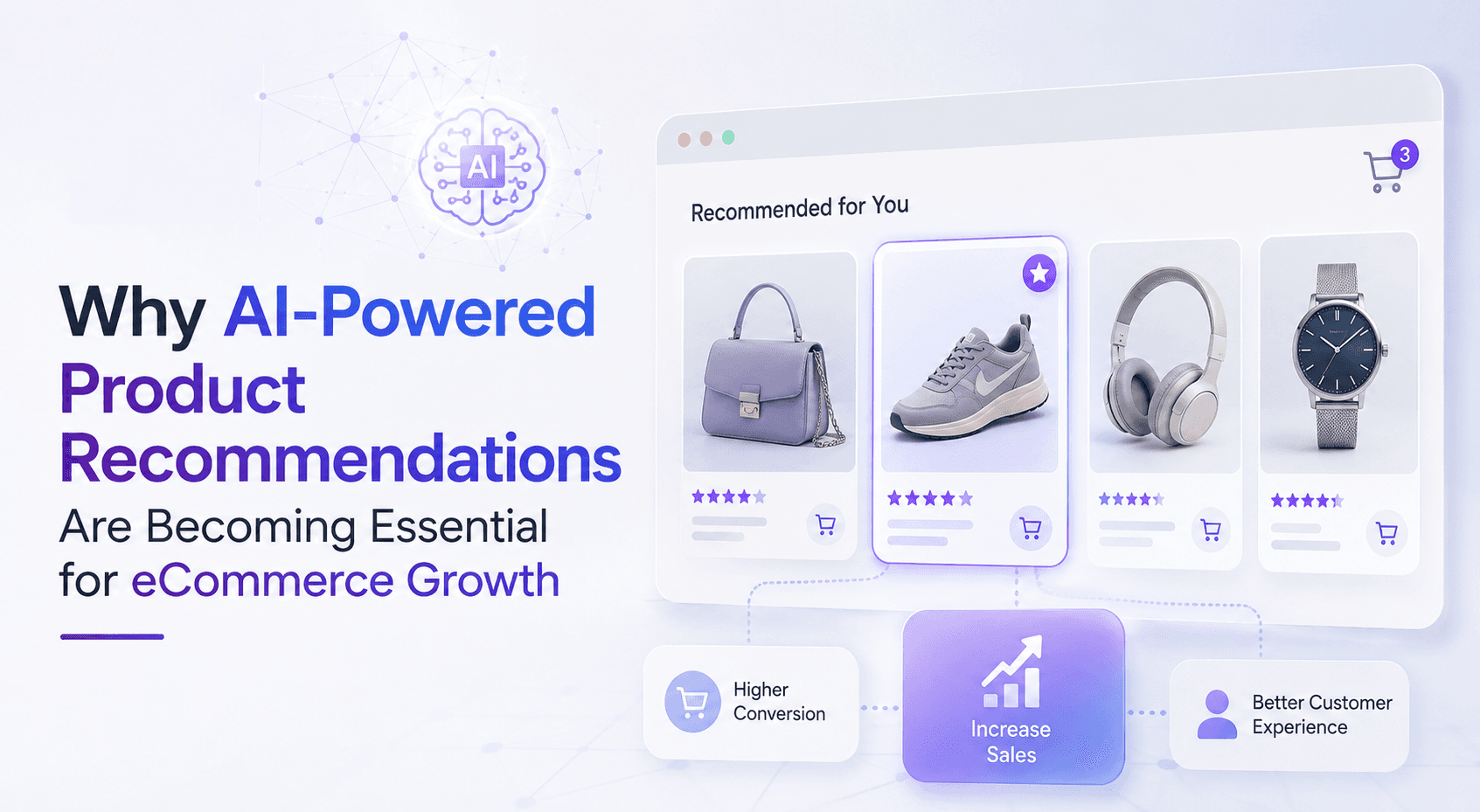
4. Reset personalization engines after Q4
Holiday traffic is not normal traffic. Gift browsing, discount sensitivity, and urgency behaviors distort recommendation models and offer logic. If you do not reset, Q1 personalization will keep “thinking” every shopper is a BFCM shopper.
What we reset after Q4
Recommendation and merchandising rules: remove holiday overrides, re-prioritize evergreen bestsellers, and re-balance toward margin-safe products.
Offer logic: remove sitewide promo assumptions and re-enable tiered logic based on customer value.
Lifecycle segmentation: rebuild baselines for engaged, at-risk, and repeat buyers so flows are not running on Q4 anomalies.
Convert Via POV: Holiday data is useful, but it needs to be separated from evergreen behavior before you let it drive Q1 decisions.
5. Data hygiene: rebuild trust in your reporting
Shopify’s reporting ecosystem includes analytics and web performance. Shopify Help Center+1 In Q4, tracking changes fast. In January, you want one thing: confidence.
Common Q4 data issues
Duplicate events, especially from layered pixels and tag managers
Promo tracking overwriting standard product and checkout events
Attribution drift from heavy retargeting and overlapping campaign windows
Our Q1 reset checklist
Validate event naming and duplication across Shopify, GA4, and ad pixels
Reconcile revenue and order counts across systems
Reset benchmarks for Q1 (do not carry Q4 performance expectations forward)
6. The post-holiday Shopify tech stack audit: Convert Via framework
We run audits in a specific order so teams fix the highest-impact issues first.
Audit layers
Web performance: LCP, INP, CLS across key templates (home, collection, PDP, cart) Shopify Help Center+1
App inventory: what loads, where it loads, and whether it is still needed Shopify Help Center
Theme hygiene: holiday sections, banners, and script placements
Personalization: recs, offers, and lifecycle segments reset for evergreen traffic
Measurement: event integrity and dashboard sanity
What brands get out of it
Faster pages and better Core Web Vitals
Cleaner personalization and more reliable upsell performance
More trustworthy reporting for Q1 planning
Why this matters more than ever
Q1 does not reward messy stacks. It rewards brands that clean up fast, rebuild signal quality, and run their marketing on a stable foundation. Shopify itself frames performance optimization as a lever for experience, discoverability, and conversion. Shopify Help Center
If you want, I can turn this into a second version that is more “executive” (shorter, more punchy), or a technical appendix style checklist you can reuse as a lead magnet.
Ecommerce App Optimization
Shopify Tech Stack Audit
Shopify Performance
Core Web Vitals
LCP Optimization
Site Speed
Shopify Development
Ecommerce Analytics
GA4
Conversion Rate Optimization (CRO)
Personalization
Retention Marketing
Q1 Ecommerce Strategy
Marketing Operations
Recent Post